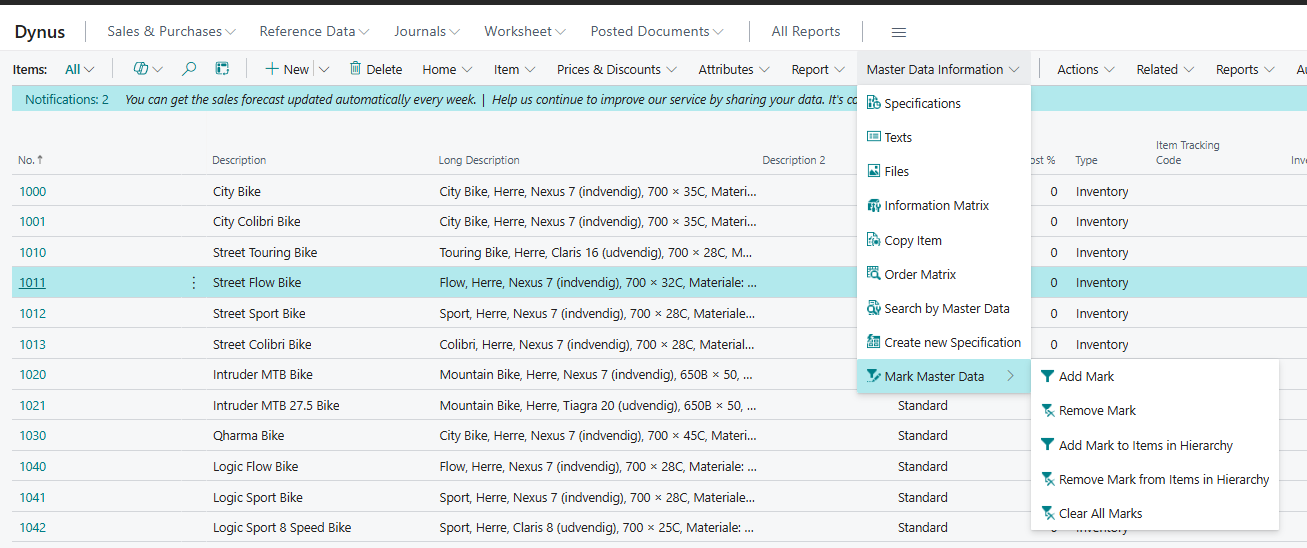
Data Structure & Setup
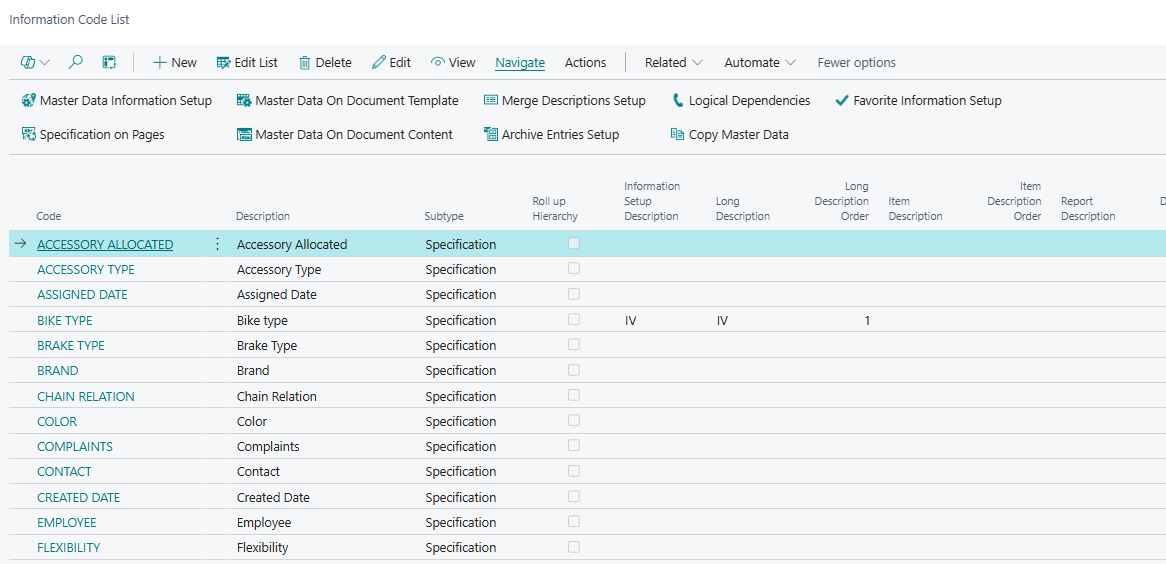
Information Codes
The foundation of the app. Information Codes are the specifications you define — such as colour, material, or certification — that can be added to any master data record. All other features in the app build on top of Information Codes.
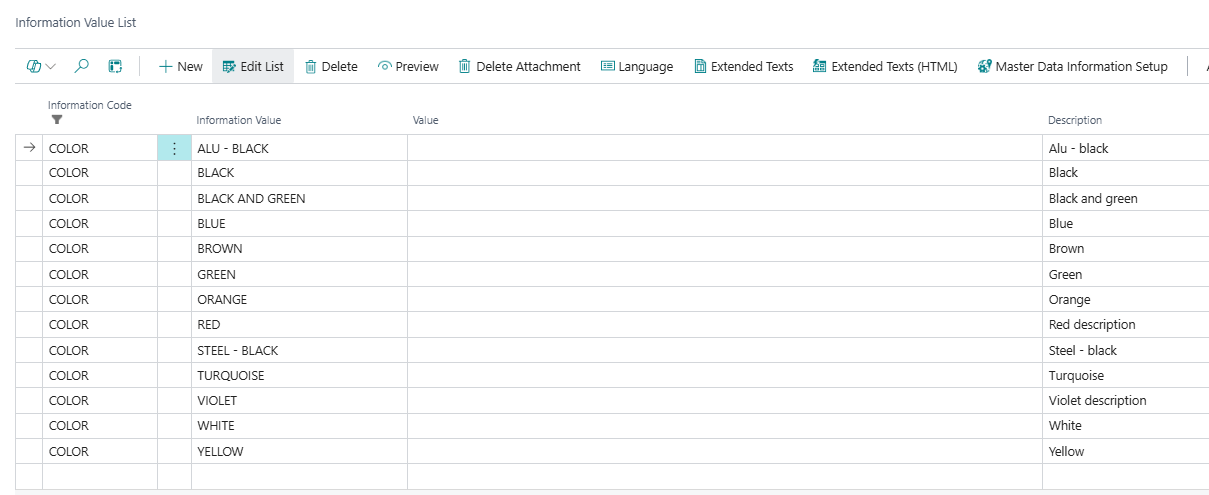
Information Values
Predefined options that belong to an Information Code. When users fill in a specification, they can only select from the values you have defined, keeping data consistent and accurate across records.
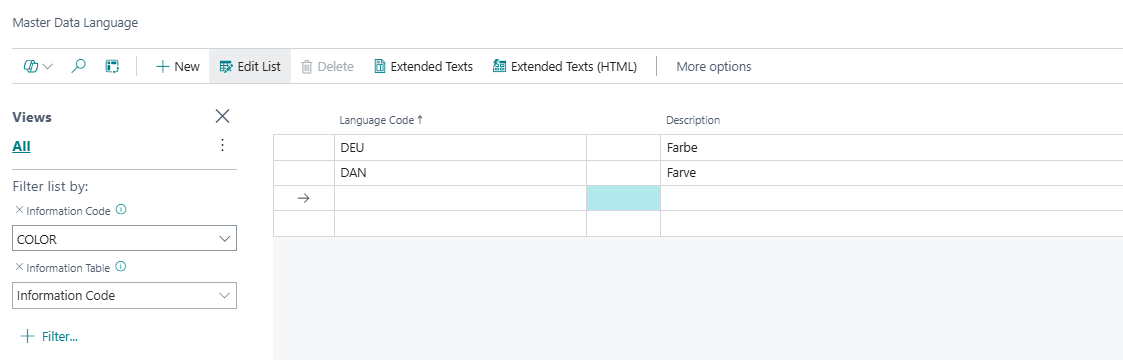
Translations
Allows you to translate both Information Codes and their Values into other languages. When specifications flow to documents, the description automatically matches the language code on that document.
Extended Texts
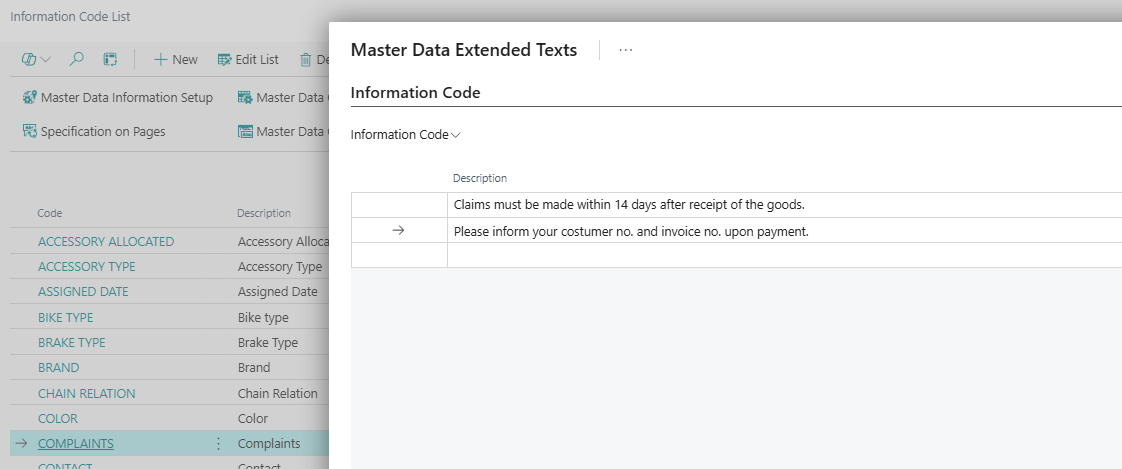
Adds support for longer, richer descriptions on Information Values — beyond what fits in the standard description field. Extended Text also supports multiple languages and can be configured to flow to documents alongside or instead of the short description.
Merge Descriptions
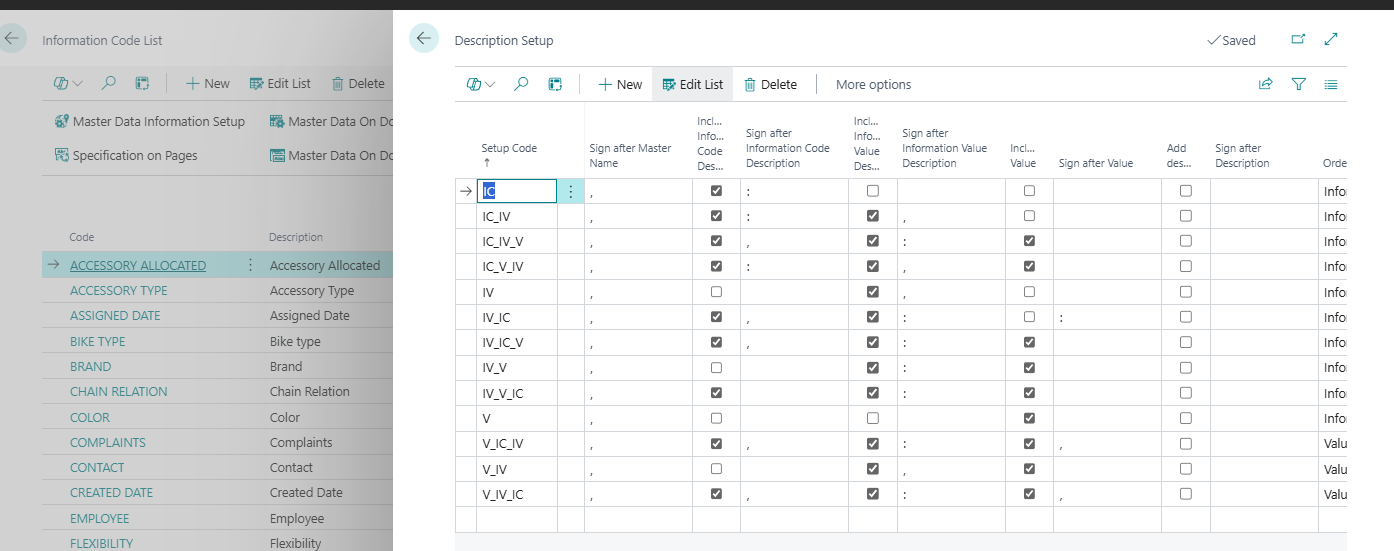
Automatically builds a combined description for items or item variants by merging values from selected Information Codes in a defined order. This is useful for generating structured, consistent descriptions — for example, a product name that always includes colour, size, and material in the right sequence.
This article gives you a quick overview of everything included in the Master Data Information app. Each section below describes a feature or component and what it does. Detailed setup guides for each feature are available in their own dedicated articles.
Logical Dependencies
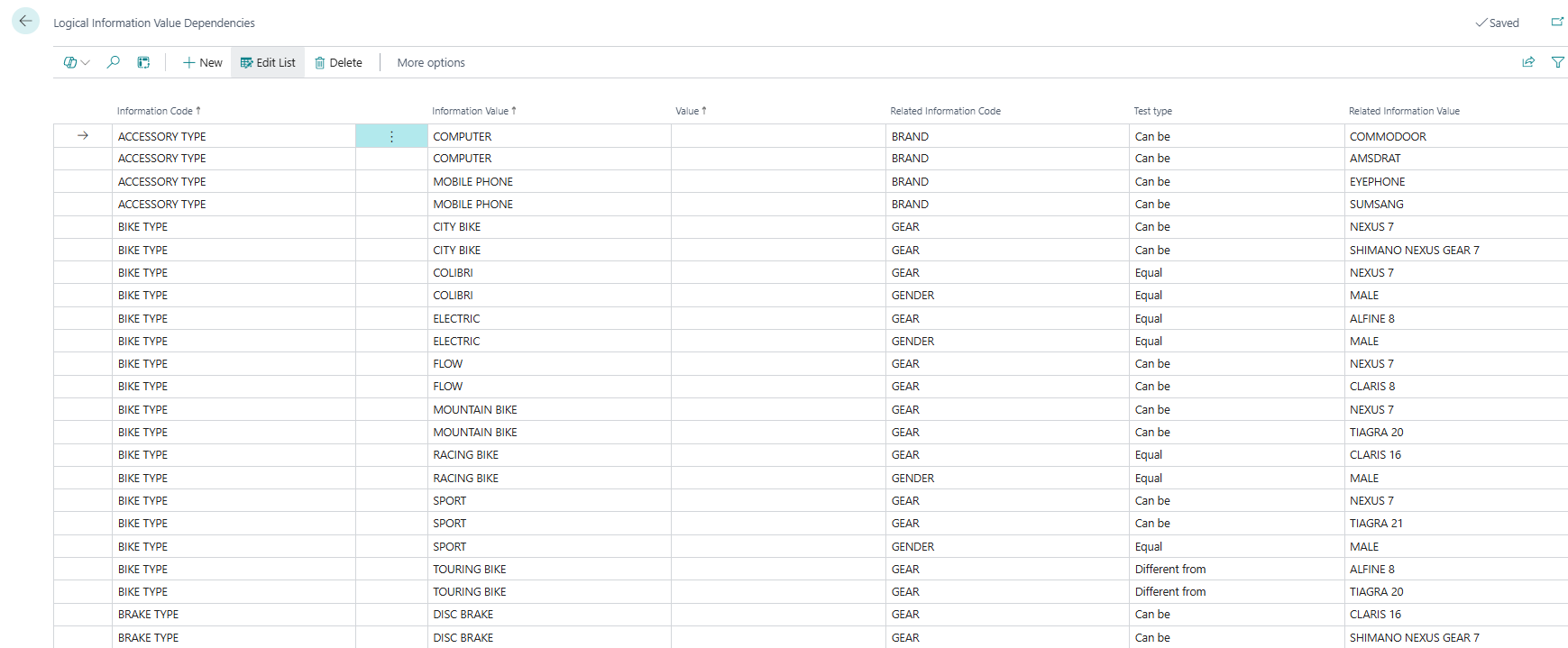
Allows you to define rules that control which Information Values are valid or available depending on the values selected in other Information Codes. This helps guide data entry and prevent inconsistent attribute combinations.
Optional dependency: The Sales Configurator feature (see below) extends Logical Dependencies into sales and purchase order line validation.
Item Variants
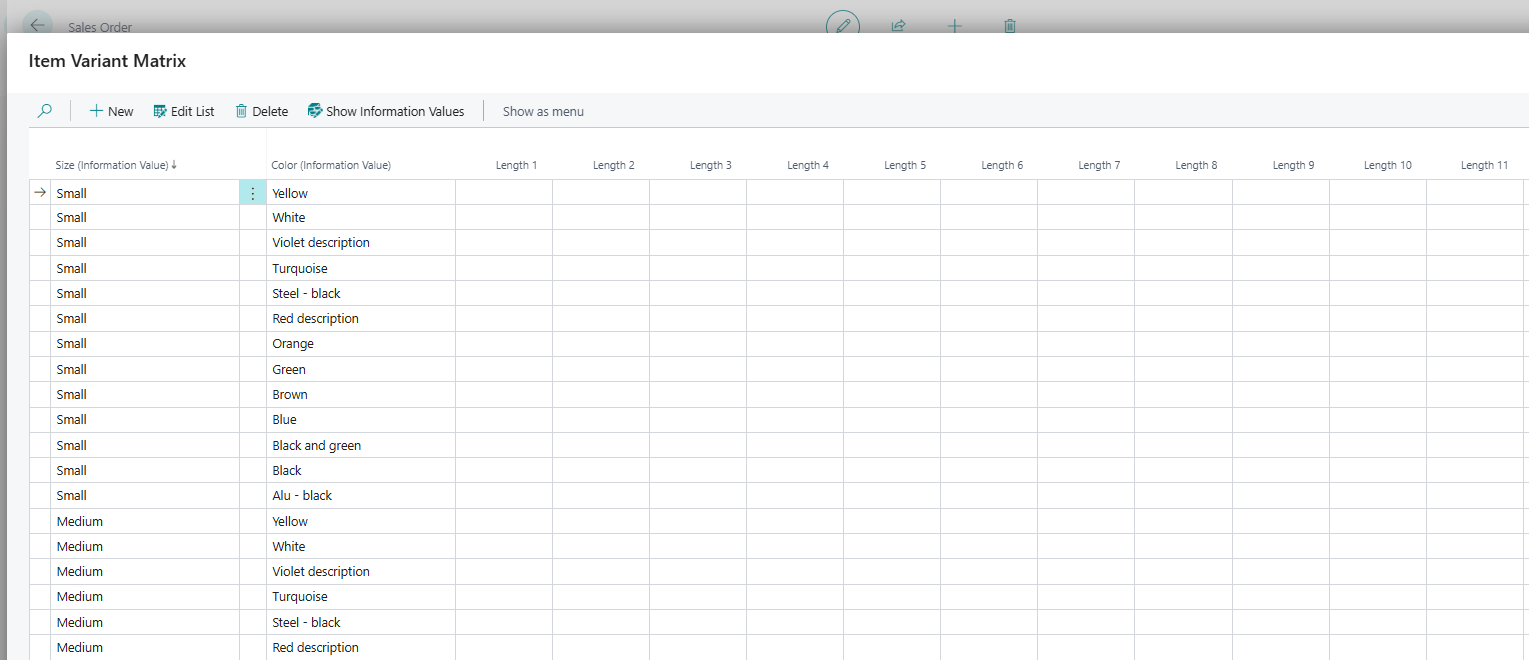
Provides a matrix-based view for working with item variants. Lets users create and manage variants and view how specifications differ across them.
Item Attribute Synchronization
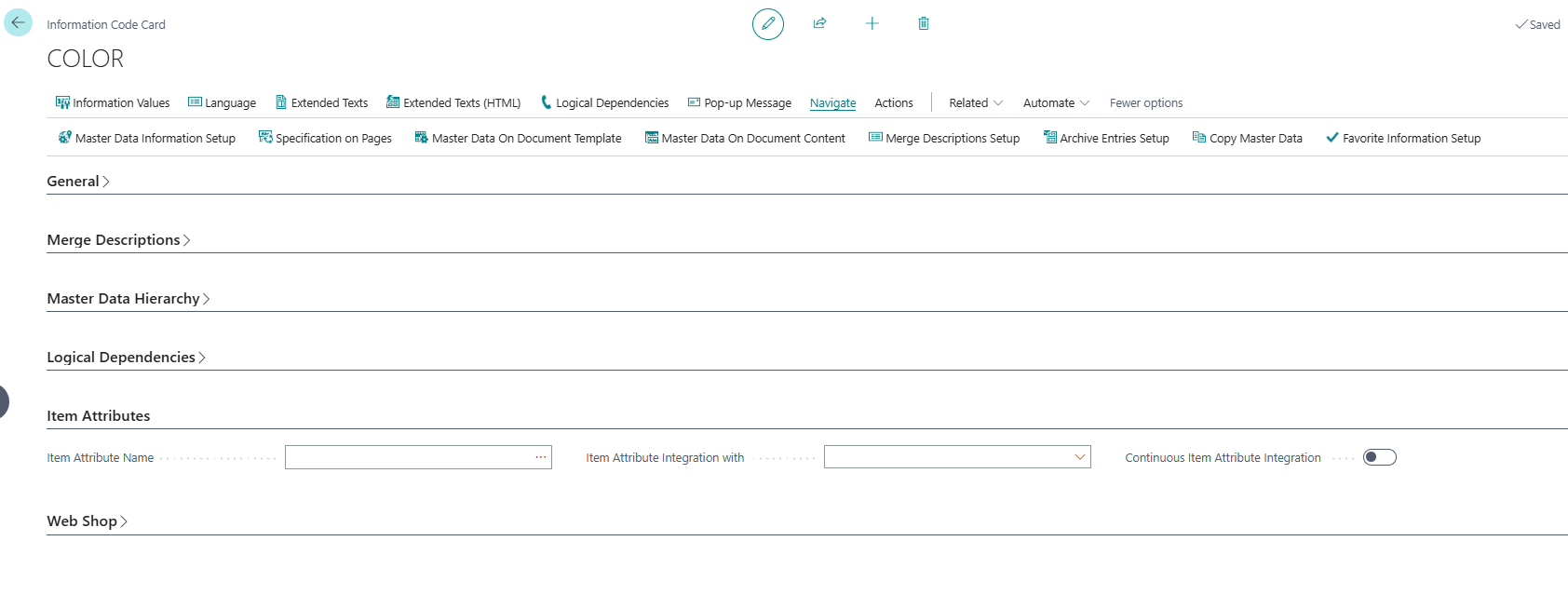
Links an Information Code to a standard Business Central Item Attribute, keeping the two in sync. This allows companies already using BC Item Attributes to benefit from the richer functionality of Master Data Information without having to maintain two separate sets of data.
Hierarchies
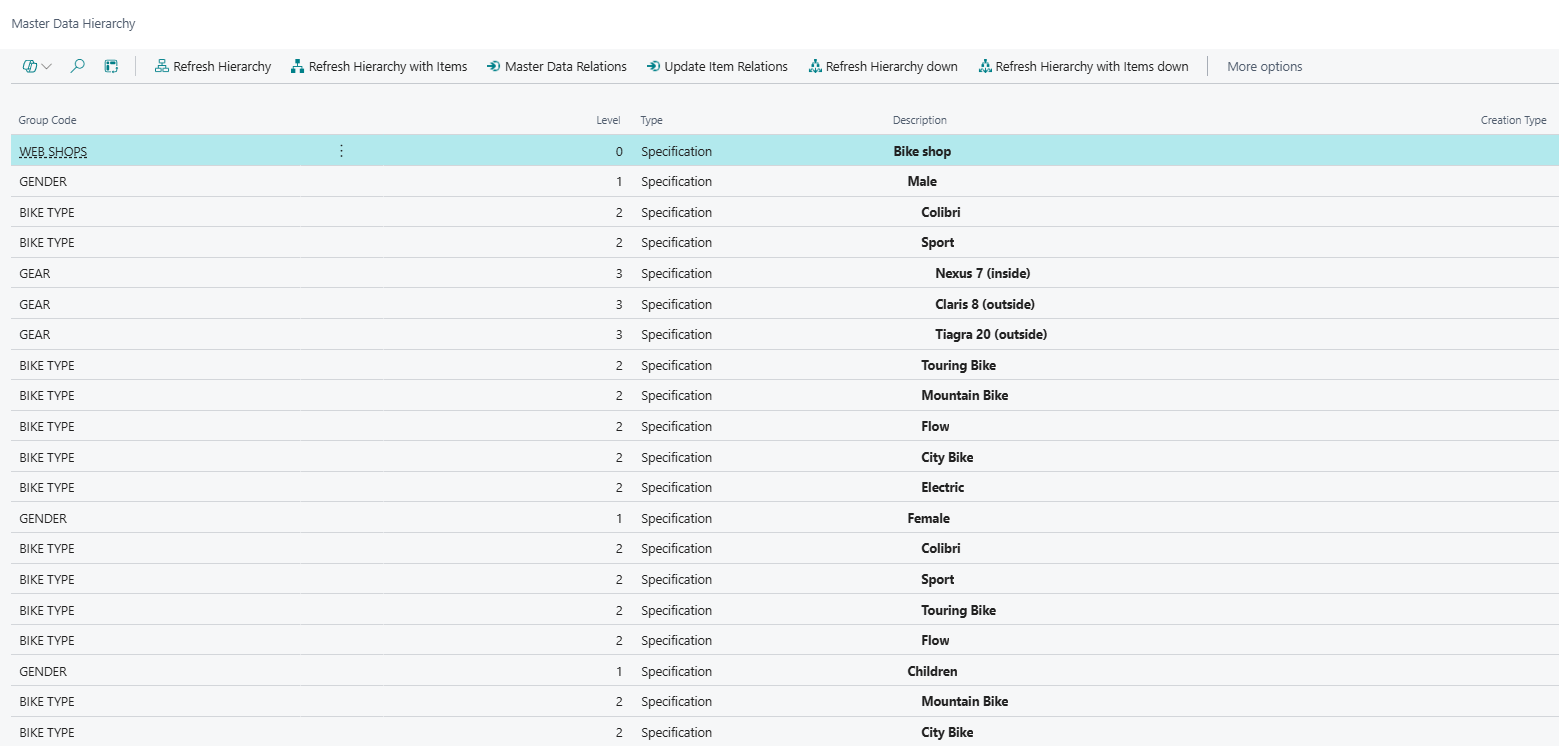
Tools for structuring master data into groups, relations, and hierarchies. Useful for organising items into logical families or defining fixed relationships between records.
Data Entry & Maintenance
Import Data - Import Worksheet
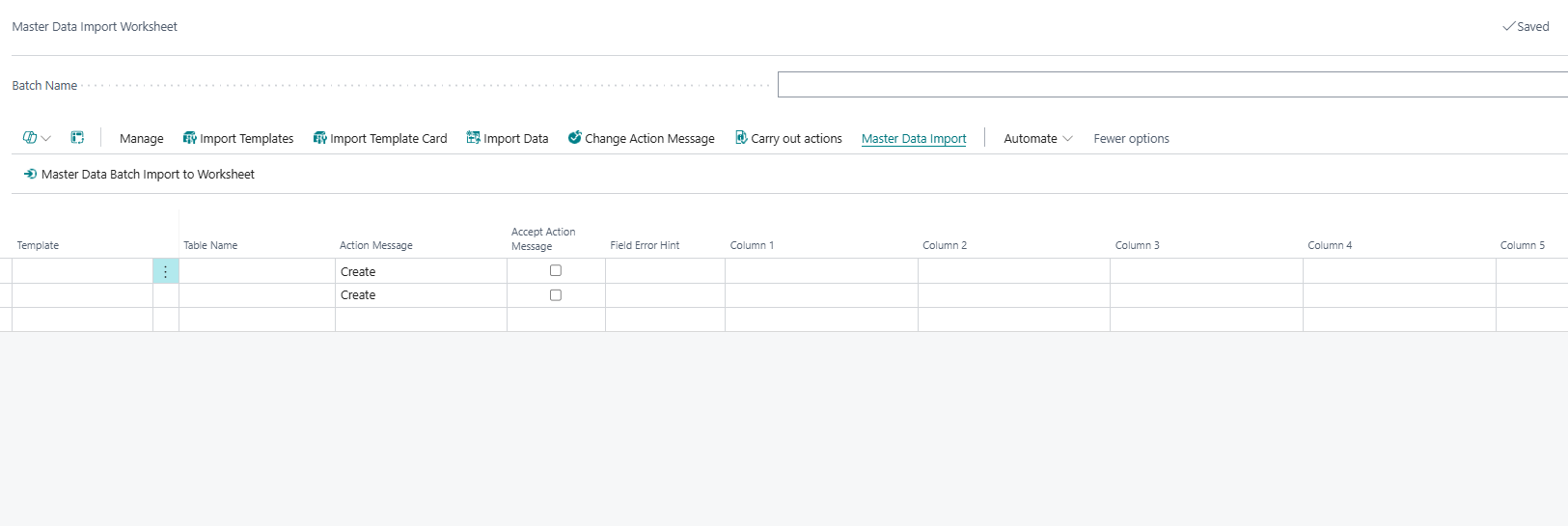
A bulk import tool for creating or updating master data records — such as items and item variants — along with their specifications. Supports templates to make repeated imports faster and more consistent.
Information Matrix
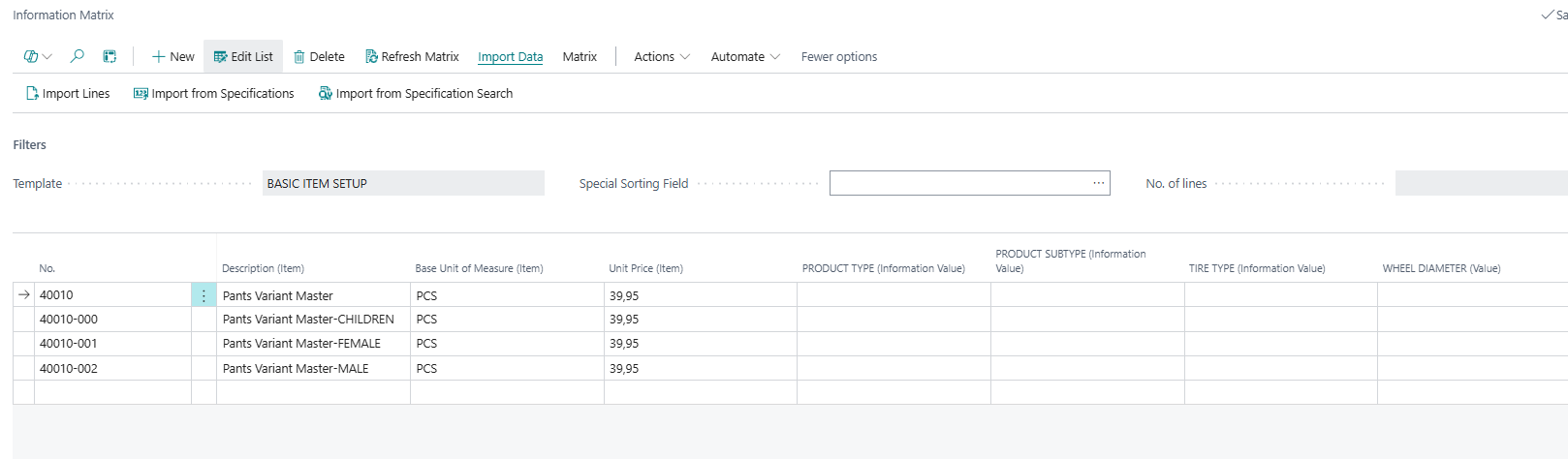
A spreadsheet-style view for viewing and editing specifications across many records at once. Instead of opening each record individually, users can manage specifications for multiple items in a single matrix layout.
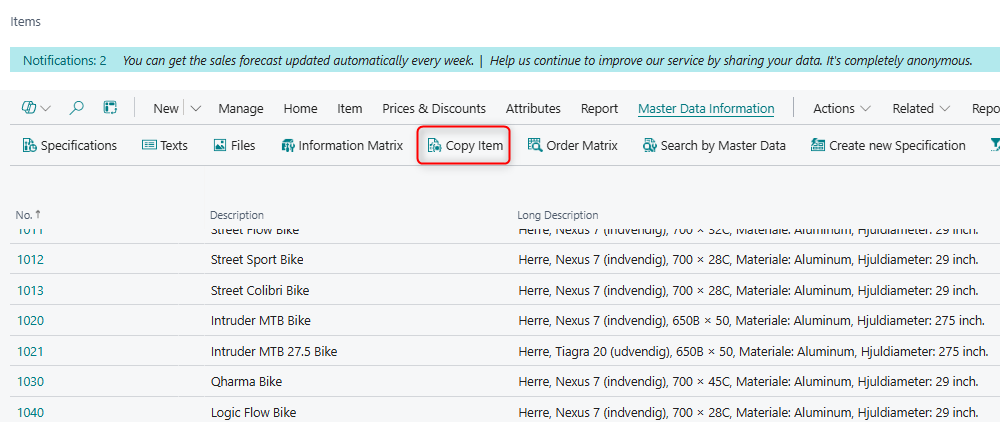
Copy Master Data
Copies specifications from one master data record to another. Supports items, customers, vendors, lot numbers, serial numbers, package numbers, and jobs.
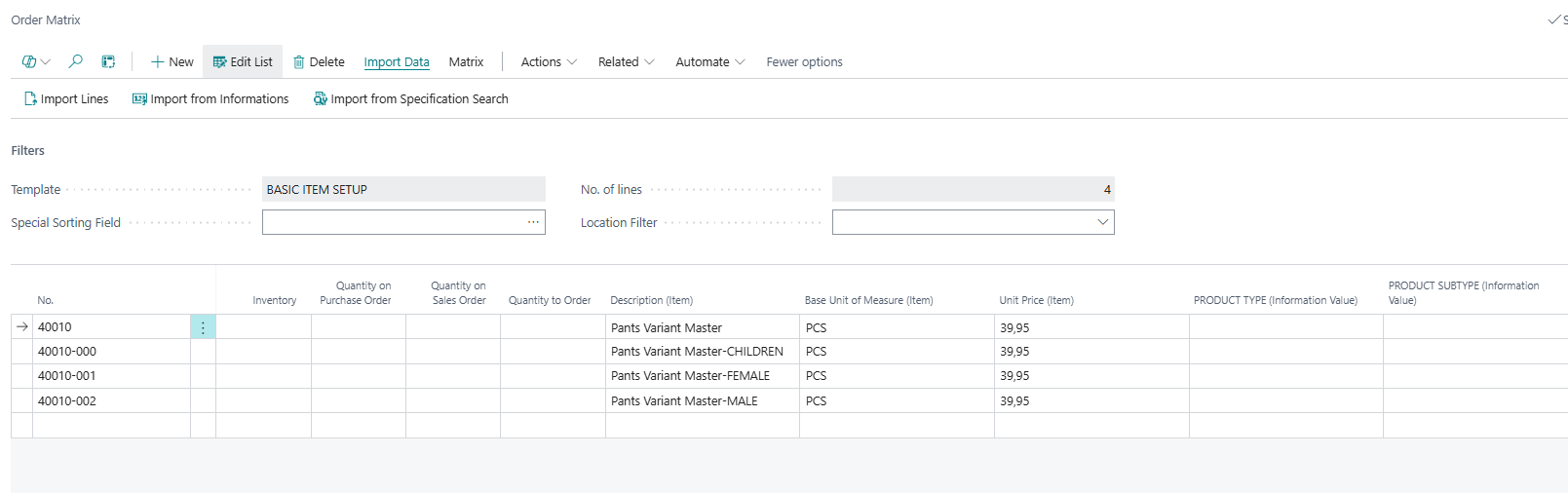
Order Matrix
Similar to the Information Matrix, but applied to order lines. Lets users view and compare specification data across lines on sales or purchase orders.
Visibility on Pages & Documents
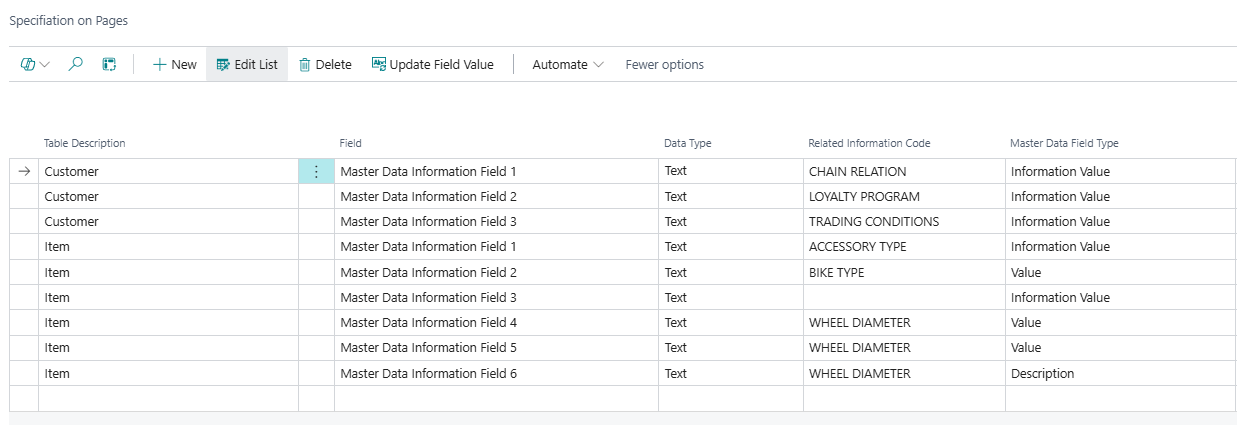
Specifications on Pages
Adds up to 24 new specification fields directly onto standard Business Central pages such as the Item Card, Customer Card, or Sales Order. Users can view and edit specifications without leaving their normal workspace.
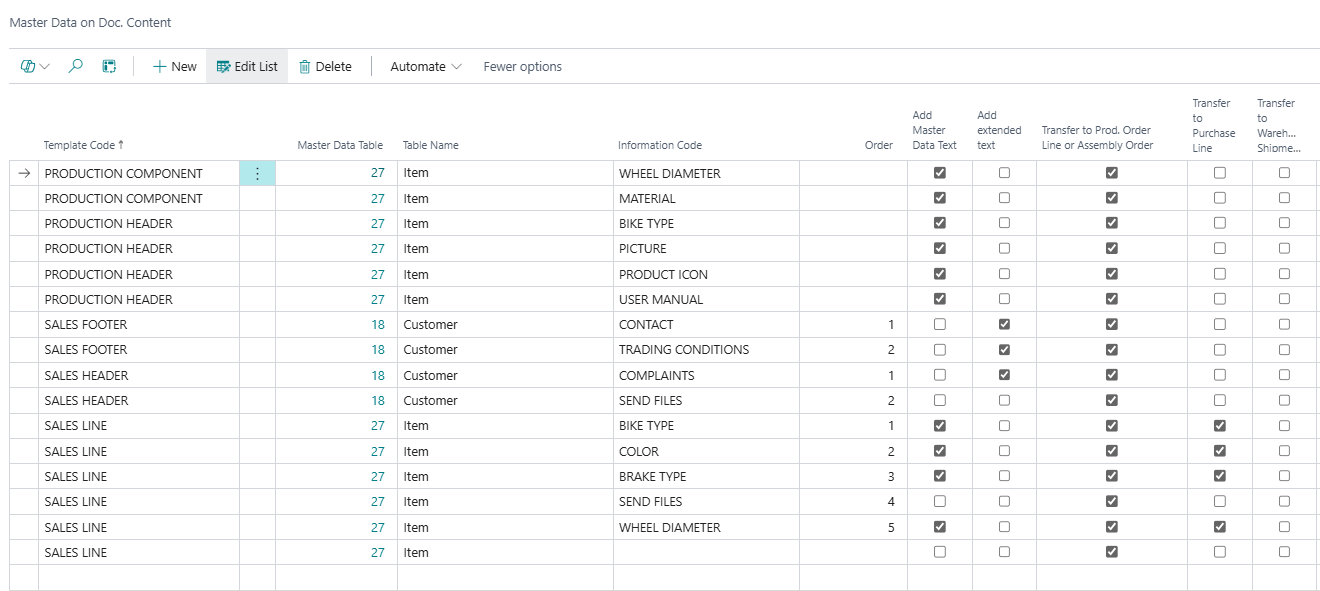
Master Data on Documents
Configures which Information Codes are automatically transferred from master data records to sales and purchase documents. You control which codes to include and how they should be carried across.
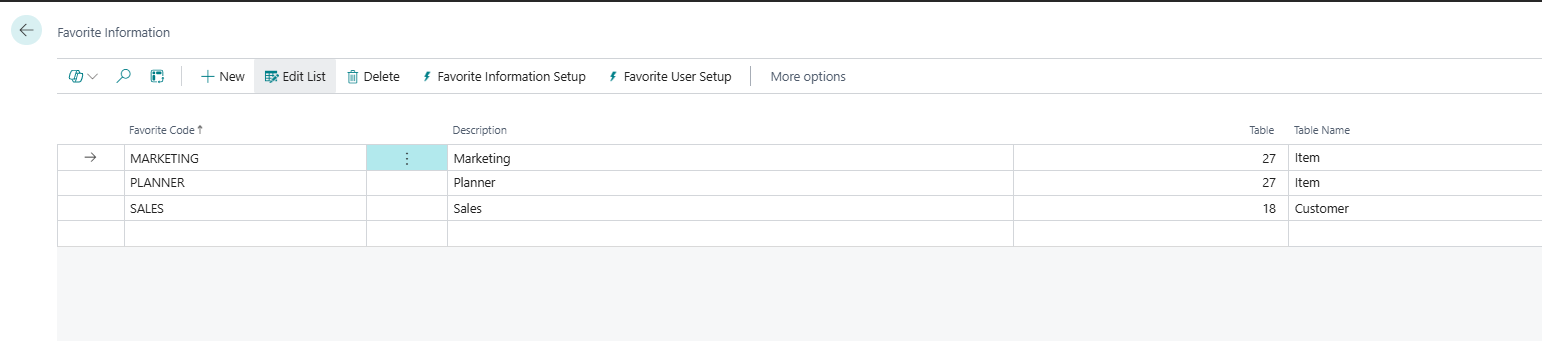
Favorite Information
Lets users pin their most frequently used Information Codes for quick access. Each user can manage their own set of favourites, speeding up data entry on records they work with often.
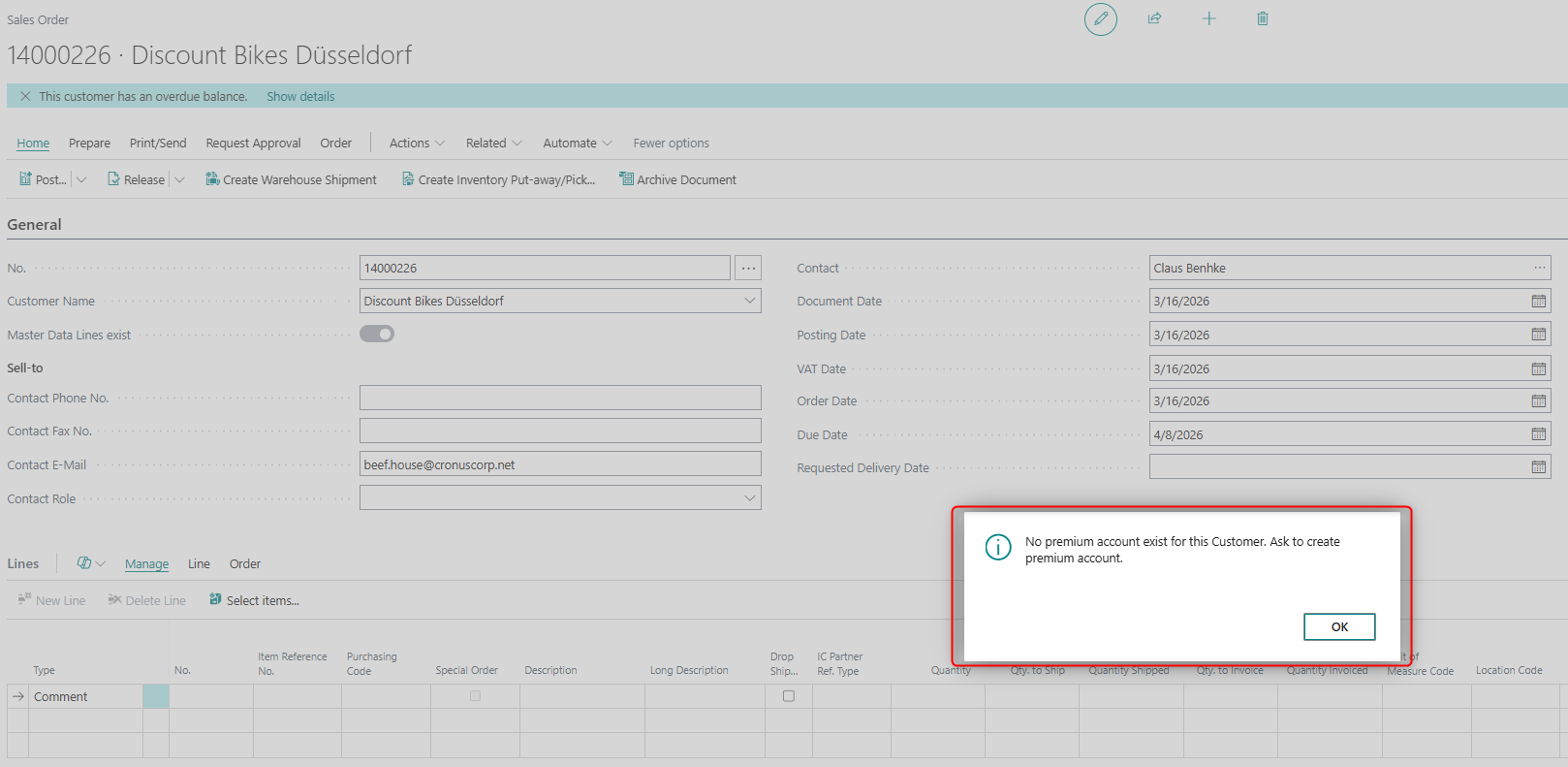
Pop-Up Messages
Displays automatic pop-up notifications on sales and purchase documents when a record — such as an item, customer, or vendor — has a specification value filled in for an Information Code configured to trigger pop-ups. You control per Information Code whether a pop-up should appear, and in which document area (Sales or Purchase), making it easy to surface important specification information to users at the right moment.
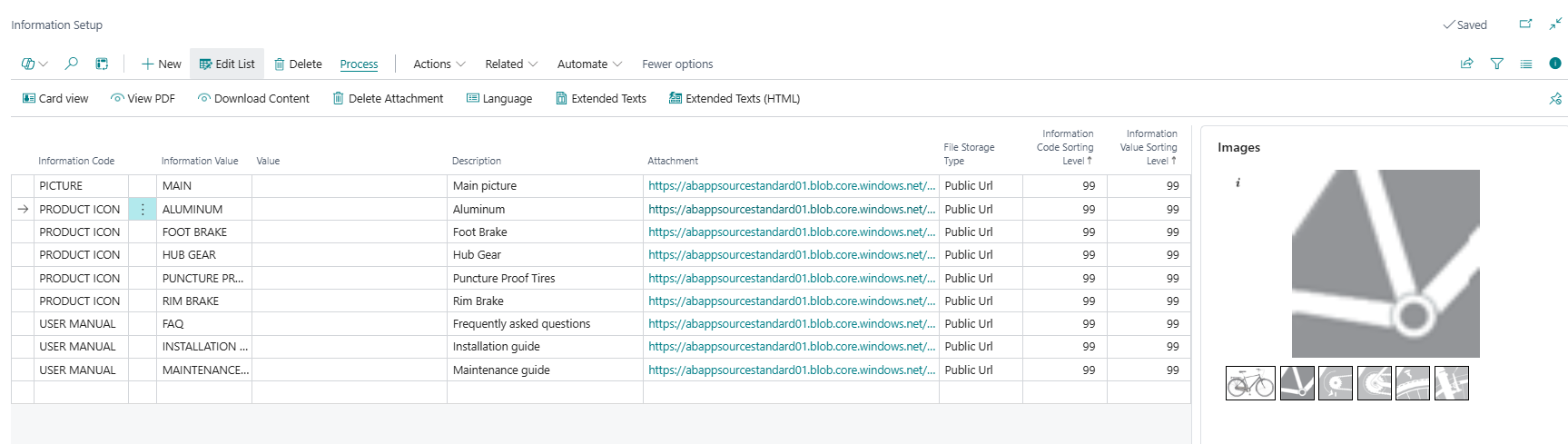
Images
Adds image gallery support to master data records. Images can be stored internally or linked from external storage, and displayed as a FactBox on relevant pages.
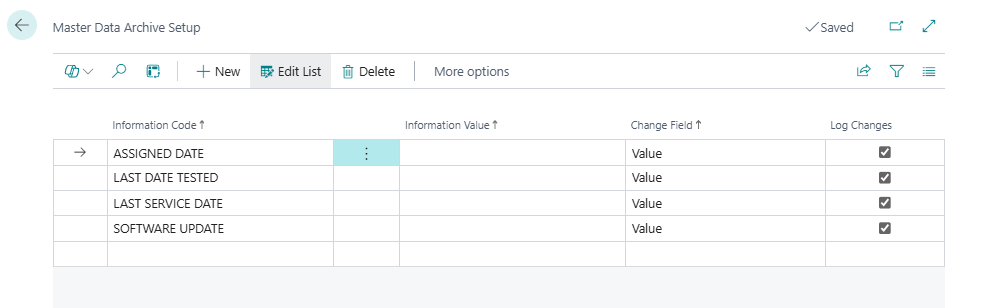
History & Audit
Master Data Archive
Keeps a full history of changes made to specifications on a master data record. This gives you a clear audit trail of when values were added, changed, or removed.
Search & Navigation
Specification Search (Item Search)
A search tool that lets users find items by filtering on their specification values. Instead of knowing the item number, users can search by what the item is — for example, all items with a specific colour or material.
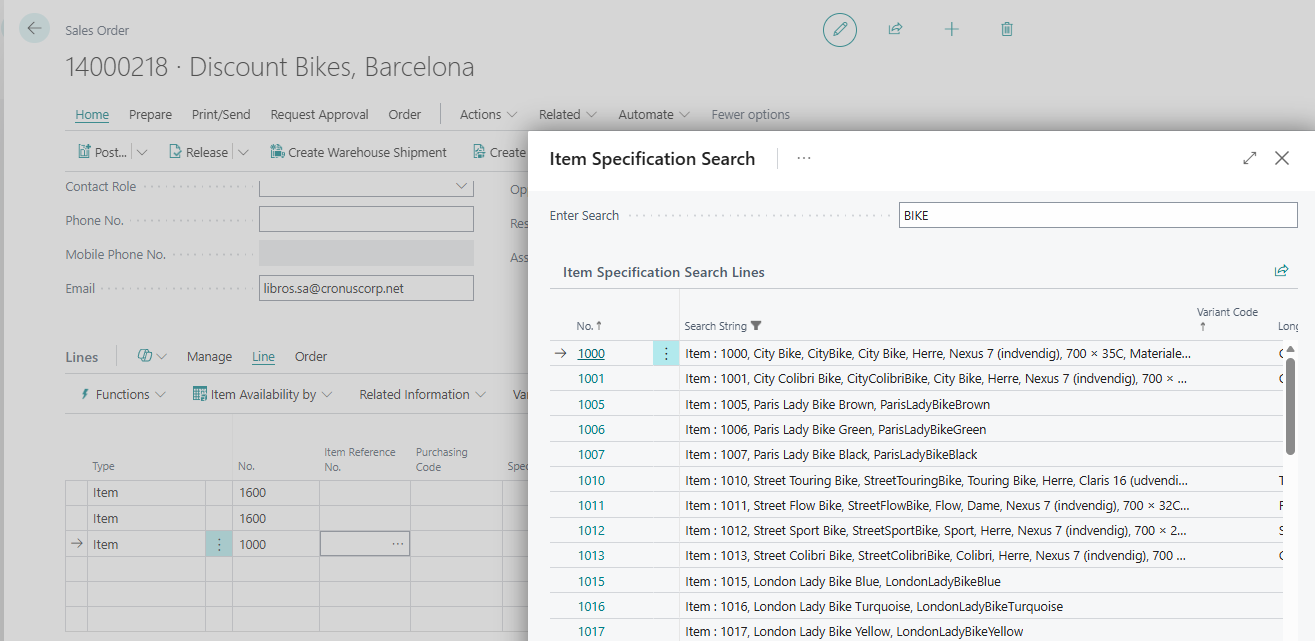
Searching, Marking, and Filtering
Allows users to search for master data records based on their specification values, mark the matching records, and then use those marks to filter lists across Business Central. This makes it easy to work with a targeted subset of items — for example, finding all items with a specific combination of specifications and then filtering item lists or order lines to show only those records.